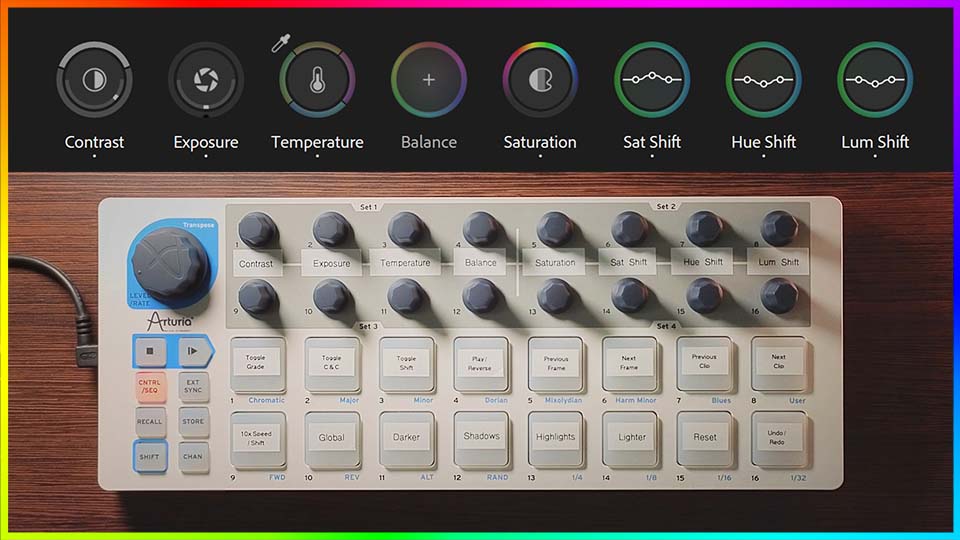
As featured in tutorial video
Buttons in green perform mouse clicks at their target User Menu coordinates.
Channel 6 = Relative
(created on 02/06/2026 by Julius)
Layout:
Show MIDI CC
Output actions
User Menu 1 ↕
User Menu 2 ↕
User Menu 3 ↕
User Menu 4 ↕
User Menu 5 ↕
User Menu 6 ↕
User Menu 7 ↕
User Menu 8 ↕
User Menu 1 ↔
User Menu 2 ↔
User Menu 3 ↔
User Menu 4 ↔
User Menu 5 ↔
User Menu 6 ↔
User Menu 7 ↔
User Menu 8 ↔
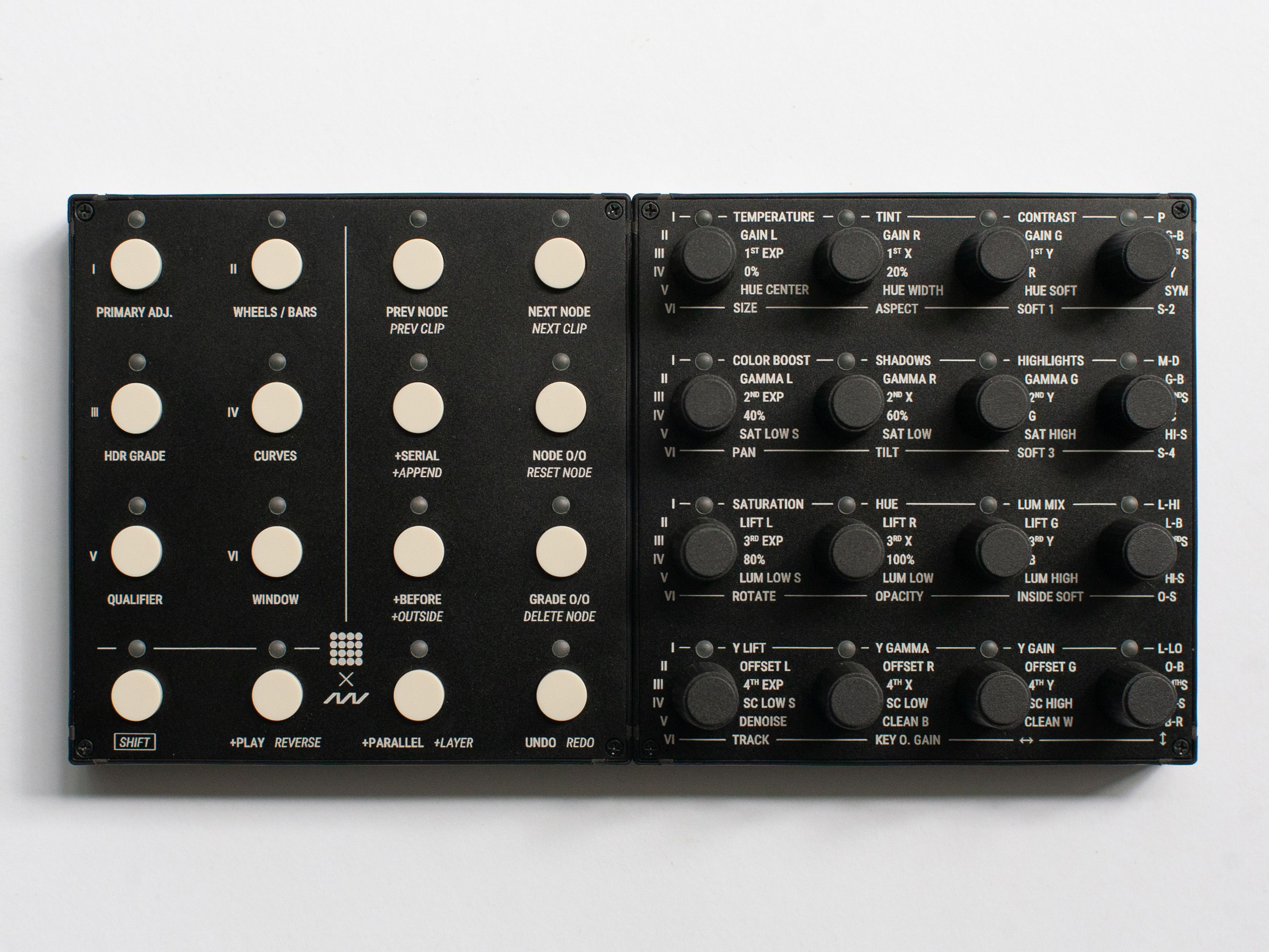
Download preset (created on 18/08/2025 by Julius)
Layout:
MIDI CC (Relative)
Primary Adj.
Wheels / Bars
HDR Grade
Curves
Qualifier
Window
Knob 1
Knob 2
Knob 3
Knob 4
Knob 5
Knob 6
Knob 7
Knob 8
Knob 9
Knob 10
Knob 11
Knob 12
Knob 13
Knob 14
Knob 15
Knob 16
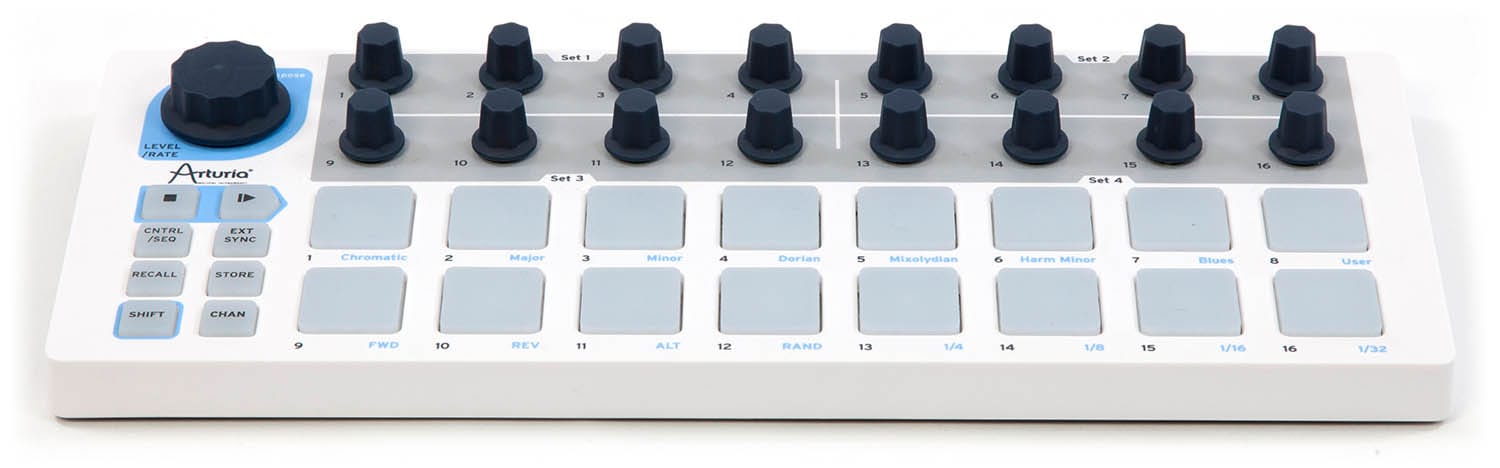
You can find these presets in Grid Editor 's Profile Cloud with the names "MIDIGrade: BU16 profile" and "MIDIGrade: EN16 profile". (created on 10/01/2024 by Julius)
Layout:
MIDI CC (Relative)
Primary Adj.
Wheels / Bars
HDR Grade
Curves
Qualifier
Window
BU16
EN16
Knob 1
Knob 2
Knob 3
Knob 4
Knob 5
Knob 6
Knob 7
Knob 8
Knob 9
Knob 10
Knob 11
Knob 12
Knob 13
Knob 14
Knob 15
Knob 16
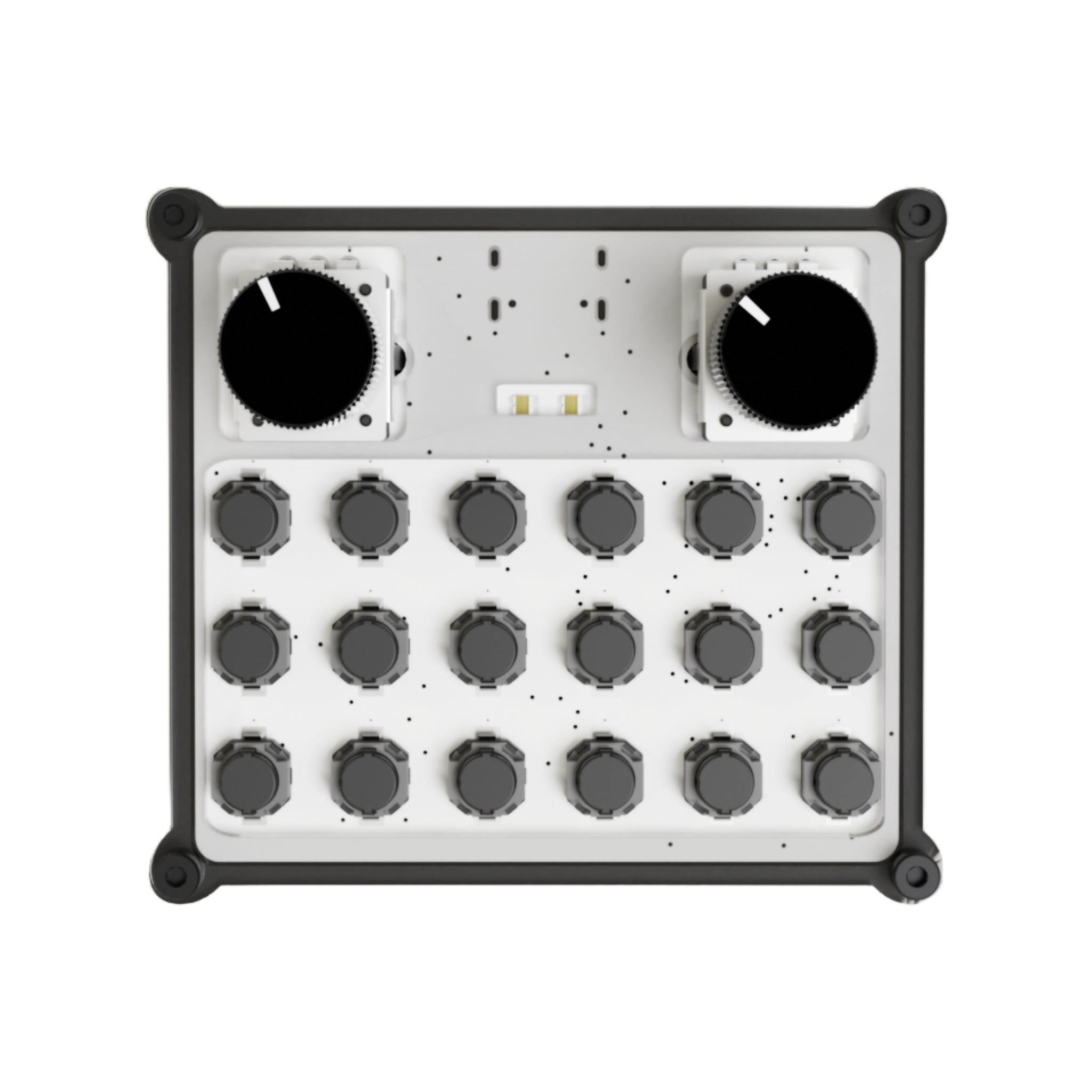
(created on 25/09/2025 by Julius) Customisation Web App
Layout:
MIDI CC (Absolute)
Output
Decrease / Increase Adjustment
Decrease / Increase Adj. @ 10x Speed
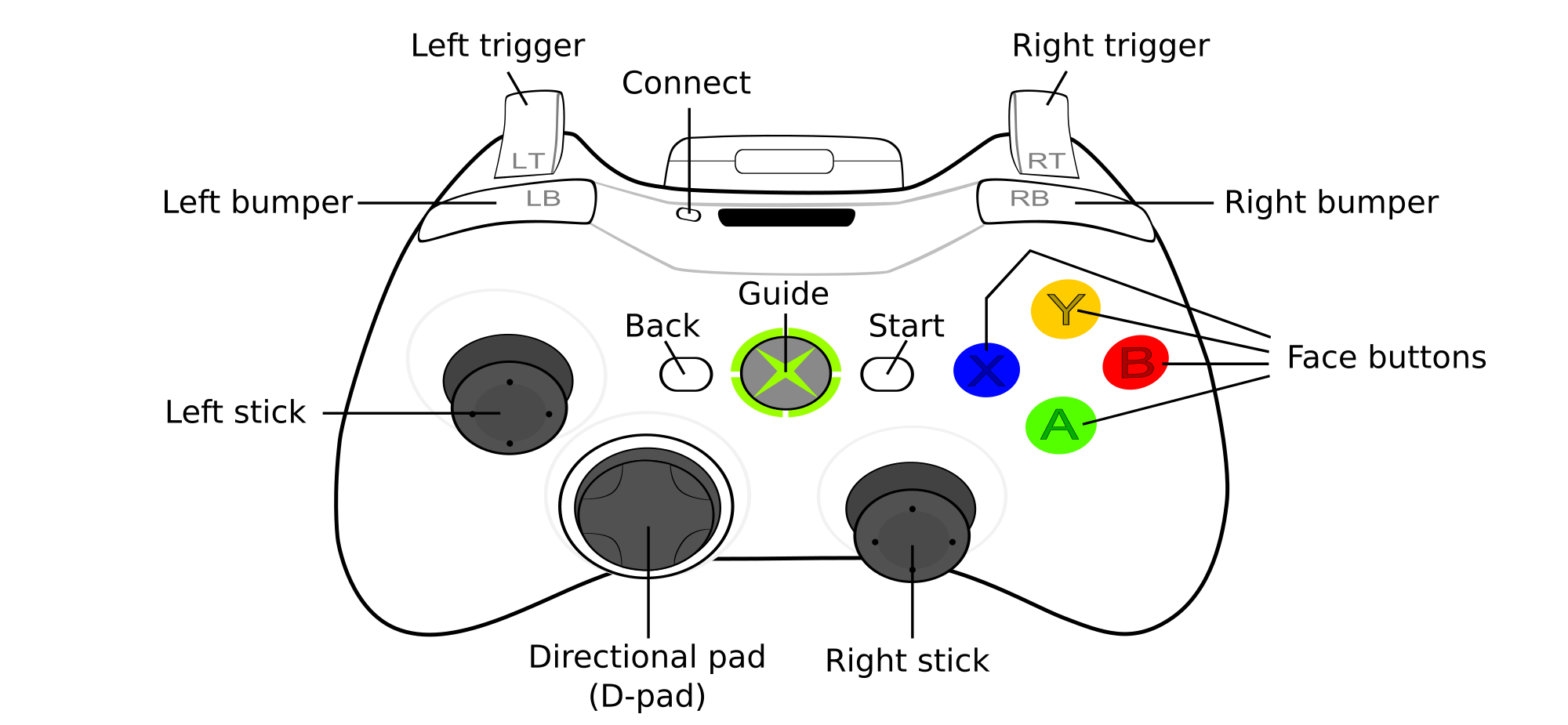
This mapping (created on 24/11/2025 by Julius) is intended to be used with software like Gamepad MIDI , MIDITROL , and Xbox Midi Control .
Download Gamepad MIDI preset (created on 01/03/2026 by Pounding Systems ) This preset can also be imported directly into your Gamepad MIDI by selecting "Tools > Browse Templates > MIDIGrade - DaVinci Resolve".
Layout:
Left Bumper:
Ch 1 CC 36
Previous Menu
Right Bumper:
Ch 1 CC 38
Next Menu
Left Trigger:
Ch 1 CC 40
Previous Adjustment
Right Trigger:
Ch 1 CC 41
Next Adjustment
Left thumbstick (if MIDI 0 is in the middle):
Left:
Ch 1 CC 98
← Click & Drag
Up:
Ch 1 CC 101
↑ Click & Drag
Right:
Ch 1 CC 99
→ Click & Drag
Down:
Ch 1 CC 100
↓ Click & Drag
Left thumbstick (if MIDI 0 is in bottom-left):
Left-Right:
Ch 1 CC 108
← → Click & Drag
Up-Down:
Ch 1 CC 109
↑ ↓ Click & Drag
Face buttons:
X:
Ch 1 CC 58
Previous NodePrevious Clip
Y:
Ch 9 CC 12
Grade o/oDelete Node
B:
Ch 1 CC 59
Next NodeNext Clip
A:
Ch 9 CC 8
Node o/oReset Node
Back:
Ch 1 CC 81
UndoRedo
Start:
Ch 1 CC 44
Shift (10x Speed)
D-pad:
Left:
CCh 1 CC 52
+Serial+Append
Up:
Ch 1 CC 54
+Parallel+Outside
Right:
Ch 1 CC 46
Reset Adjustment
Down:
Ch 1 CC 65
Pause/Start PlaybackPlay Reverse
Right thumbstick (if MIDI 0 is in the middle):
Left:
Ch 1 CC 103
← Mouse move
Up:
Ch 1 CC 106
↑ Mouse move
Right:
Ch 1 CC 104
→ Mouse move
Down:
Ch 1 CC 105
↓ Mouse move
Right thumbstick (if MIDI 0 is in bottom-left):
Left-Right:
Ch 1 CC 111
← → Mouse move
Up-Down:
Ch 1 CC 112
↑ ↓ Mouse move